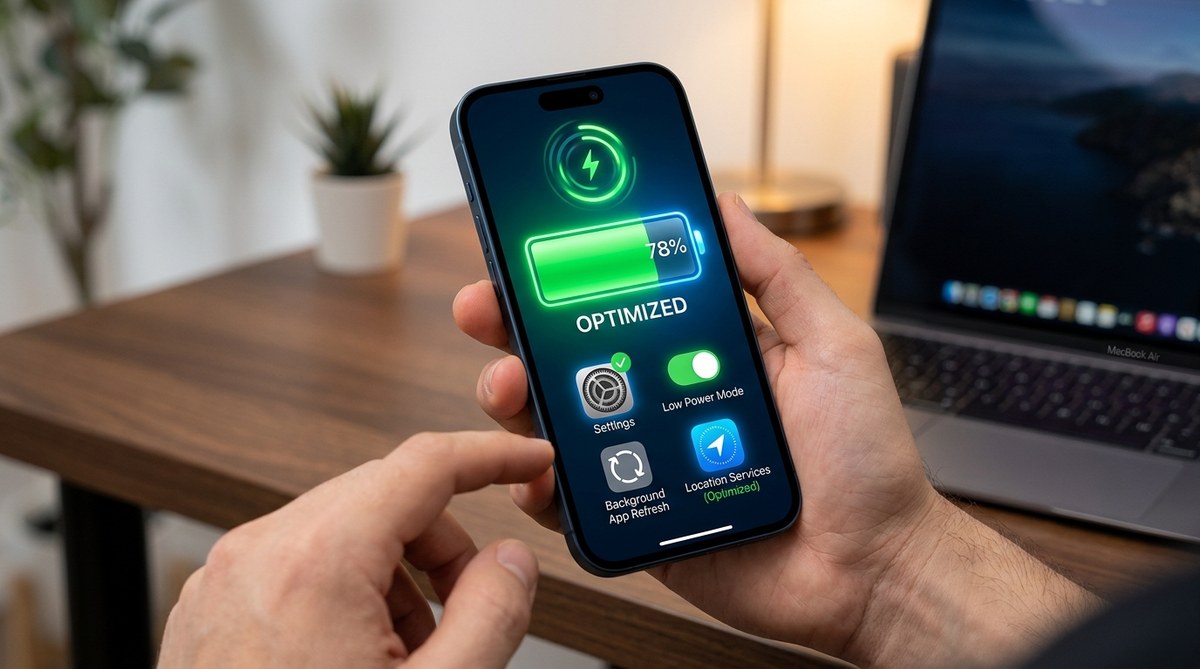
If your iPhone’s battery seems to be draining faster than usual, it can be frustrating. You rely on your device daily for work, communication, and entertainment. When the battery life suddenly shrinks, it’s time to take action. Fortunately, many common causes are easy to fix with some simple adjustments. This guide walks you through effective ways to address iPhone battery drain issues and help your device last longer throughout the day.
Battery drain on your iPhone can often be reversed with a few quick tweaks. Check app usage, update software, optimize settings, and monitor background activity to improve battery life and keep your device running smoothly longer each day.
Understand what causes iPhone battery drain
Before jumping into fixes, it helps to understand what can cause your iPhone to lose power quickly. Several factors contribute to rapid battery depletion, including software bugs, background processes, misconfigured settings, and aging hardware. Recognizing these causes can help you target the right solution.
How to troubleshoot iPhone battery drain in five steps
Here are the most effective steps to identify and fix common issues causing your iPhone to drain its battery faster than it should.
1. Review your battery usage
Start by checking which apps and services consume the most power. Apple provides a built-in feature to analyze battery usage over the past 24 hours or 10 days.
- Open the Settings app.
- Tap on Battery.
- Review the list of apps under Battery Usage by App.
Look for apps that are unexpectedly high on the list. Sometimes, a particular app may be running in the background or misbehaving, draining more power than usual. If you notice an app that’s using an excessive amount of battery, consider closing it or removing it if necessary.
2. Update your iPhone software
Software updates often include bug fixes and improvements that can resolve battery drain issues. Keeping your device updated ensures you have the latest optimizations.
- Go to Settings.
- Tap General.
- Select Software Update.
- If an update is available, tap Download and Install.
Updating your iPhone regularly can fix known bugs that might be causing unnecessary battery drain and improve overall performance.
3. Adjust your settings for better battery health
Certain settings can significantly impact battery life. Making these adjustments can help conserve power.
- Reduce screen brightness: Settings > Display & Brightness.
- Enable Auto-Lock: Settings > Display & Brightness > Auto-Lock, and set it to 30 seconds or 1 minute.
- Turn off unnecessary notifications: Settings > Notifications.
- Disable Location Services for apps that don’t need it: Settings > Privacy & Security > Location Services.
- Enable Low Power Mode: Settings > Battery > Low Power Mode.
Low Power Mode temporarily reduces background activity and visual effects, helping your battery last longer.
4. Manage background activity and app refresh
Apps running in the background can consume significant power. Limiting their activity can make a noticeable difference.
- Turn off Background App Refresh: Settings > General > Background App Refresh, and disable it or select Wi-Fi only.
- Close unused apps: Swipe up from the bottom (or double-click the Home button on older models) and swipe away apps you’re not using.
- Disable or limit automatic downloads and app updates: Settings > App Store > App Downloads and Automatic Downloads.
5. Check your battery health and consider replacements
Over time, batteries degrade and hold less charge. You can check your battery’s maximum capacity and decide if a replacement is needed.
- Go to Settings > Battery > Battery Health & Charging.
- Review the Maximum Capacity percentage.
If capacity drops below 80 percent and you notice significant battery issues, consider visiting an authorized service provider for a battery replacement.
Common mistakes to avoid when fixing battery drain
| Mistake | Why it matters | Better alternative |
|---|---|---|
| Ignoring software updates | Updates fix bugs that may cause drain | Keep your iPhone updated regularly |
| Leaving unnecessary apps open | Apps running in background drain battery | Close apps you’re not using |
| Disabling all notifications | Some notifications are vital | Limit notifications to essentials |
| Ignoring battery health | Old batteries drain faster | Replace battery when capacity is low |
| Using unfamiliar or unofficial chargers | Can harm battery health | Use authentic Apple or certified chargers |
Expert tip: Regularly monitoring your iPhone’s battery health can prevent unexpected shutdowns. If your battery health is declining, a simple replacement can restore your device’s longevity and performance.
Maintaining your iPhone’s battery health over time
Battery health naturally declines with age. To keep your iPhone running smoothly, adopt good charging habits:
- Avoid letting the battery completely die frequently.
- Keep your device between 20% and 80% charge when possible.
- Use optimized battery charging (found in Settings > Battery > Battery Health & Charging).
- Store your iPhone in a cool, dry place to prevent overheating.
When to seek professional help
If you’ve tried all these steps and your iPhone still experiences rapid battery drain, it might be time to consult an Apple Store or authorized service provider. Sometimes, hardware issues or defective batteries require professional attention. Replacing the battery often restores optimal performance and battery life.
How to prevent future battery drain issues
Staying proactive can save you from future frustrations with battery drain.
- Regularly update iOS.
- Keep an eye on battery usage in Settings.
- Limit background activity.
- Use Wi-Fi instead of cellular data when possible.
- Turn on Low Power Mode during heavy usage days.
Your next steps for a healthier, longer-lasting iPhone battery
Addressing iPhone battery drain issues is often straightforward. With a few adjustments, you can extend your device’s battery life significantly. Stay attentive to your usage patterns and maintain your device with proper care. Remember, a well-maintained battery can keep your iPhone functioning at its best for years to come.
By following these steps, you’ll prevent unexpected shutdowns and enjoy more time between charges. Keep your iPhone happy and healthy with these simple yet effective tips.