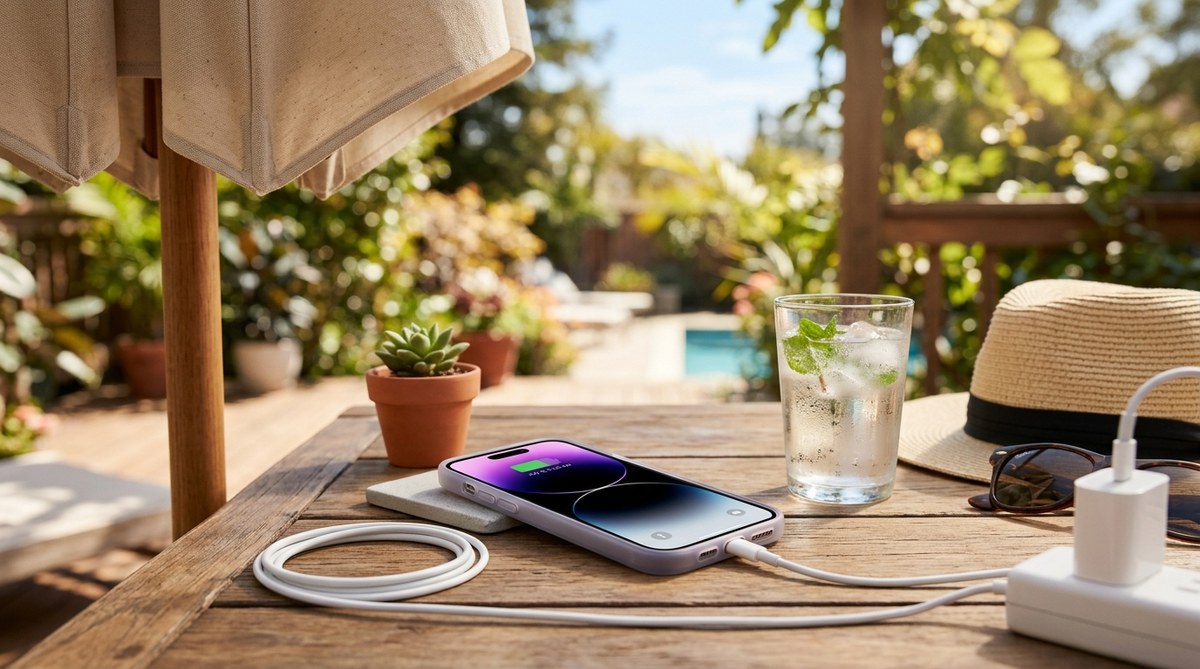
You plug in your iPhone after a long day in the sun. Within minutes, the back feels uncomfortably warm. By the time you check it again, the phone is too hot to hold comfortably. This scenario is common during summer, especially in warmer parts of the United States. Heat is a natural byproduct of charging, but when outside temperatures climb, that normal warmth can turn into a real problem. Let’s look at why this happens and what you can do about it.
Your iPhone gets hot while charging because of internal resistance in the battery and high ambient temperatures. To prevent overheating, avoid charging in direct sunlight, remove thick cases, use a low-wattage charger, and keep your phone in a well-ventilated area. These steps help maintain battery health and keep your device safe during summer.
Why Your iPhone Gets Hot While Charging
Every lithium-ion battery generates some heat during charging. That is normal. The chemical reaction that stores energy creates a small amount of thermal energy. In cooler months, that heat dissipates without issue. But in summer, the air around your phone is already warm. Your device has to work harder to push that heat out.
Several factors make the problem worse:
- High ambient temperature. If the room is 90 degrees, your phone starts from a disadvantage.
- Fast charging. Higher wattage chargers push more current, which creates more heat.
- Direct sunlight. Charging near a window or on a car dashboard is a bad idea.
- Poor ventilation. Laying your phone on a soft surface like a bed or couch traps heat.
- Thick phone cases. Some cases act like insulation, holding heat against the battery.
Your iPhone has built-in thermal protection. If it gets too hot, it will pause charging or shut down. That’s a safety feature, not a bug. But you don’t want to rely on that. Repeated high heat exposure can degrade your battery over time.
The Do’s and Don’ts of Charging in Warm Weather
Here is a clear breakdown of what helps and what hurts when you charge your phone during a heat wave.
| Do This | Avoid This |
|---|---|
| Charge in a cool, shaded room | Leaving your phone in a hot car |
| Remove thick or insulating cases | Using a case that traps heat |
| Use a standard 5W or 10W charger | Using a high-speed 65W laptop charger |
| Place your phone on a hard surface | Charging on a bed, pillow, or sofa |
| Charge in front of a fan or AC vent | Letting direct sun hit the screen |
This table covers the most common mistakes. If you follow the left column, your phone will run cooler. The right column lists habits that cause overheating.
5 Practical Steps to Keep Your iPhone Cool While Charging
Try these numbered steps to reduce heat buildup. They are simple and cost nothing.
- Find the coolest spot in your home. Basements, tile floors, and rooms with air conditioning are best. Avoid kitchens and laundry rooms during the day if they get hot.
- Take off the case. Many cases, especially thick rubber or silicone ones, trap heat. Pop the case off while you charge. Put it back on when you head out.
- Use a lower wattage charger. A standard 5W or 10W charger generates less heat than a 20W or 45W fast charger. Charging will take longer, but your battery will stay cooler. For overnight charging, this is ideal.
- Place your phone on a hard, flat surface. A wooden desk, a ceramic countertop, or a glass table helps heat escape. Soft surfaces like blankets or pillows block airflow.
- Avoid using your phone while charging. Streaming video, playing games, or running GPS all generate extra heat. If you must use it, keep the screen brightness low and close background apps.
If you notice your phone is still getting hot, check for background processes. A stuck app or an iOS update downloading in the background can raise the temperature. You can learn more about managing these issues in our guide on how to speed up a slow iPhone after an iOS update.
What to Do If Your iPhone Overheats Right Now
Sometimes you catch it too late. The phone is already hot, and you need to cool it down safely. Do not put it in the refrigerator or freezer. That can cause condensation inside the device.
Apple’s support documentation recommends turning off the phone and moving it to a cooler environment. Let it sit for 20 to 30 minutes before turning it back on. Do not use ice packs or cold water. Gradual cooling is safer than sudden temperature changes.
If the phone shows a temperature warning on the screen, unplug it immediately. Move it to a shaded, ventilated area. Wait until the warning disappears before charging again.
Common Myths About iPhone Overheating
There is a lot of bad advice online. Let’s clear up a few myths.
- Myth: Wireless charging causes more heat. Wireless charging does produce some extra heat, but the difference is small. The bigger issue is the environment, not the charging method. If you charge on a cool surface, wireless is fine.
- Myth: You should only use Apple brand chargers. Apple chargers are great, but any high quality, certified USB-C charger works. The key is using the correct wattage. Cheap, uncertified chargers can cause problems.
- Myth: Turning off your phone while charging prevents heat. Turning off the phone reduces heat from the processor, but the battery still generates heat during charging. It helps a little, but it is not a complete solution.
For more details on battery health, check out our article on how to fix common iPhone battery drain issues quickly.
When to Worry About Heat
Not all warmth is dangerous. A phone that feels warm to the touch is normal. But you should pay attention to these warning signs:
- The screen dims automatically due to heat.
- You get a “Please cool down” message on the display.
- The phone shuts off randomly while charging.
- The back of the phone is too hot to hold comfortably for more than a few seconds.
- The battery drains faster than usual after a full charge.
If you see any of these signs, stop charging and let the phone cool. Repeated overheating may indicate a deeper problem. In that case, consider reading our guide on 7 simple steps to fix iPhone overheating issues in 2026.
Simple Charging Habits for the Rest of Summer
You do not need to overthink this. A few small changes in your daily routine can make a big difference.
- Charge overnight when temperatures are lower.
- Keep your phone out of direct sunlight at all times.
- If you are at the beach or a pool, keep the phone in a bag away from the heat.
- Use battery saver mode during the day to reduce the need for mid-day charging.
- If you drive, charge your phone at home, not in the car. Car interiors can reach 140 degrees in summer.
These habits are easy to adopt. They protect your battery and keep your phone running smoothly.
Keeping Your Cool This Summer
Summer is meant for enjoying the outdoors, not worrying about your phone. By following these tips, you can charge your iPhone safely even during the hottest days. Remove the case, find a cool spot, and use a standard charger. Your battery will thank you. And if you ever run into trouble, remember that most overheating is temporary and reversible. Just unplug, move to shade, and wait. Your phone will be back to normal before you know it.